 Audio Memos
The Voice Recorder.






Audio Memos is a voice recorder for the iPhone, iPad, Apple Watch and Android.1 Easy to use, with a simple and intuitive interface. Yet with many powerful features as auto send, adjustable playback speed, voice activated recording, audio enhancing filters, volume boost and more.
Record
Capture audio anywhere.
Record on the go with simplicity and flexibility. Multitask by recording while using your favorite apps.2 Audio Memos is the perfect app for truly portable audio recording.

High quality audio.
Record up to 2 channels at 48 kHz 24 bits for extended periods of time. Use third party microphones to create super clean recordings on the go. Audio Memos is engineered for high quality and works seamlessly whether you record using internal or external microphones.

Edit your recordings.
Improve existing recordings by removing excess audio. Modify memos by appending, overwriting or even inserting new audio. You can also combine multiple recordings into one. With all this editing power, you can craft the perfect recording.


Playback
Enhanced audio.
If a recording is too quiet its volume will automatically be boosted. This lets you quickly turn whispers into audible voices. Audio Memos uses real time audio filters to enhance the way you experience audio.


Play with time.
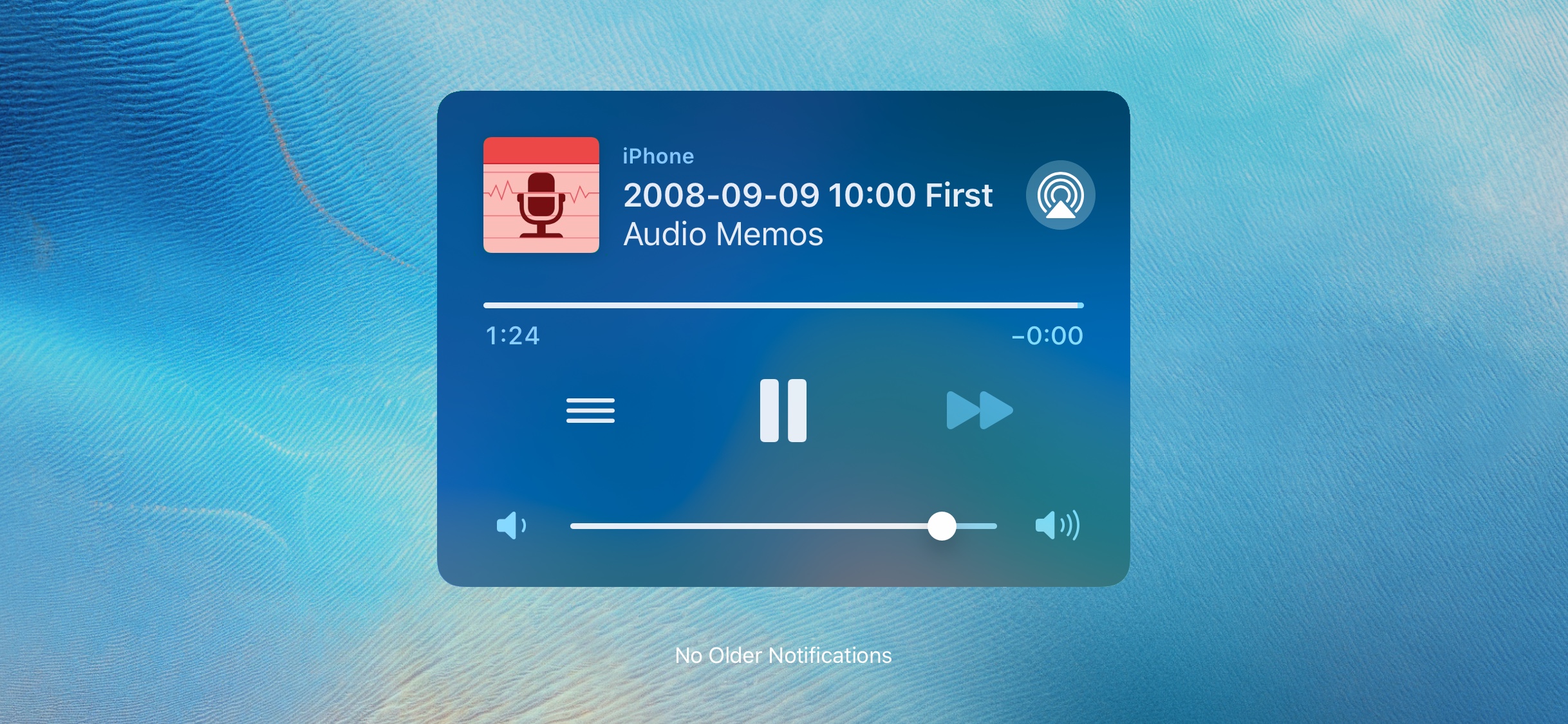
Speed up the playback rate to save some time. Or slow it down to get a clearer understanding. All while retaining the same pitch. Quickly skip chunks of audio with the press of a button. Or change the playback position using the multi-sensitivity slider. Exploring audio content has never been easier.

Share
Make your recordings be heard.
Email your memos to colleagues or friends. You can also send recordings using Messages, WhatsApp or WeChat. Audio Memos can remember your favorite recipients, to quickly provide them with your latest recordings. No matter who needs your memos, you can easily send them right from Audio Memos.


All your memos, always available.
Automatically make your recordings available to others by using Dropbox, Google Drive, OneDrive, SFTP, WebDAV and other cloud services. And with iCloud Drive synchronization, you can access and manage your memos collection on all your devices. Send recordings like you've never done before. So no matter where you are, your memos are conveniently available.

Find
Position markers.
Add markers to highlight noteworthy events in a recording. You can also use them to distinguish between different sections. Name or even associate a picture to markers, to better describe the content at the given position. Getting back to a specific point in a recording is then blazing fast.


Tags and reminders.
Organize your memos however you want using tags. Then quickly find all recordings with a specific label. Add a reminder date to a memo to make sure you listen to it or send it at a later time. With Audio Memos you will never overlook or forget a memo again.

Secure
Control access.
Restrict access to the app using a code or a biometric authentication like Face ID. Disable audio playback while in the background. Prevent file transferring apps like iTunes File Sharing from reading your memos while your device is locked. Audio Memos is engineered with security in mind, simply adjust its security level to meet your needs.


Encryption and compliance.
Encrypt your recordings before sending them. Securing the privacy of your memos is required for compliance with regulations like HIPAA and GDPR.3

Experience
Intuitive interactions.
The interface follows commonly used paradigms, so you can get productive right away. Simple interactions give you command over all aspects of the recording process. We've designed Audio Memos knowing advanced features get their power from their ease of use.


Accessibility.
Audio Memos comes with support for accessibility features like VoiceOver and Voice Control. We strive to make every feature available to everyone.